
01
标准组装
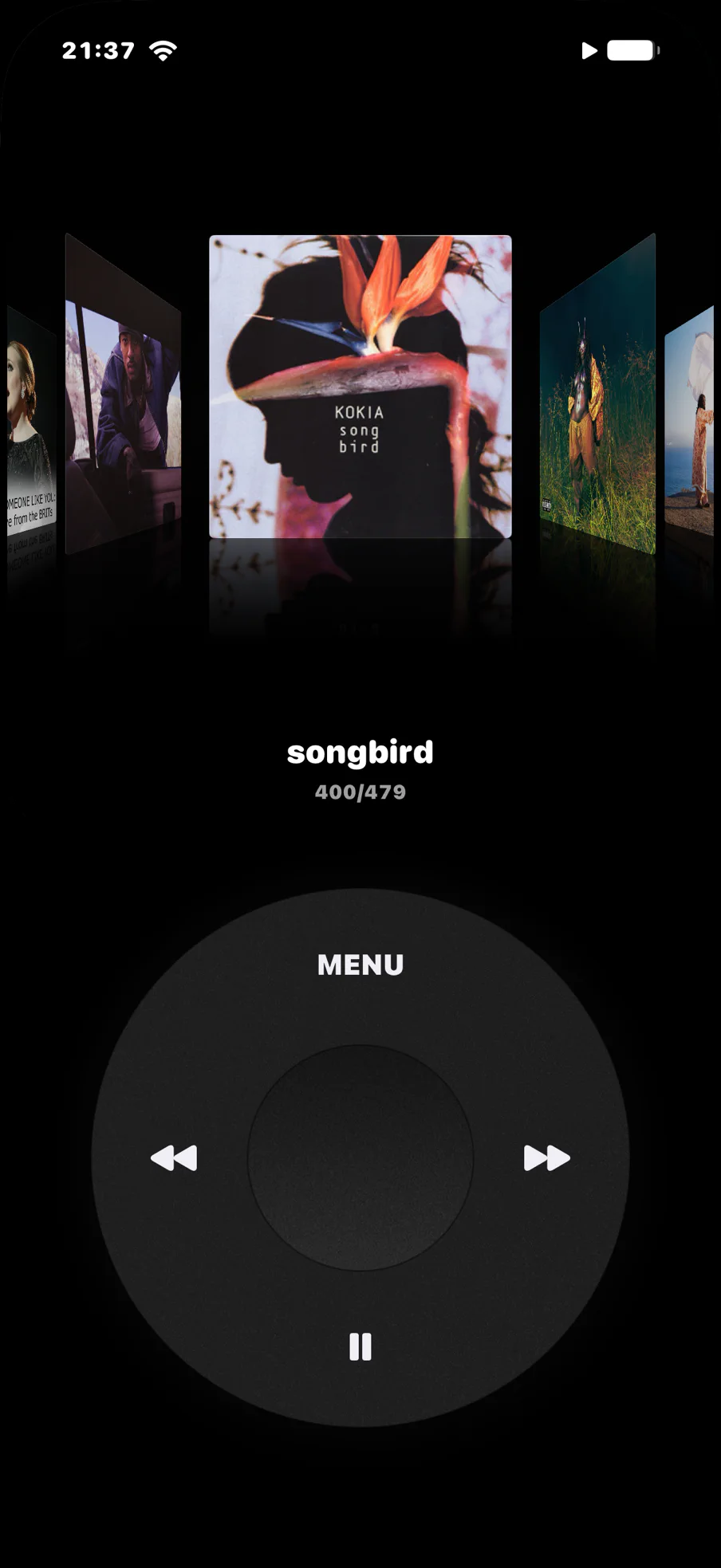
三层结构完整贴合,实体圆盘可拨动
Loading assembled object…
Turn your iPhone into a music-first device. Playback, movement, reading, and local tools appear only when you need them.
三层结构完整贴合,实体圆盘可拨动
Loading assembled object…
前壳、机身与背壳完整展开
Loading exploded object…
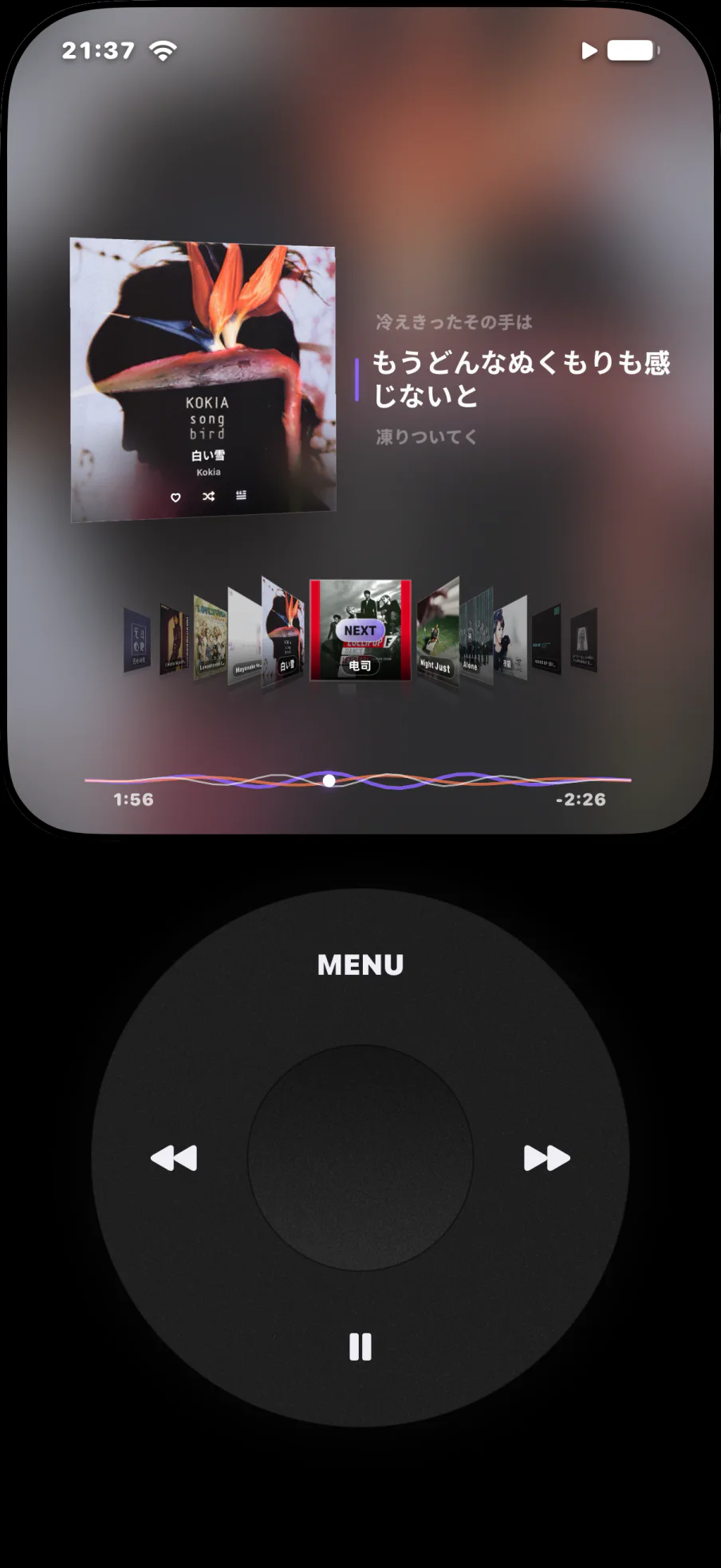
01Music, first
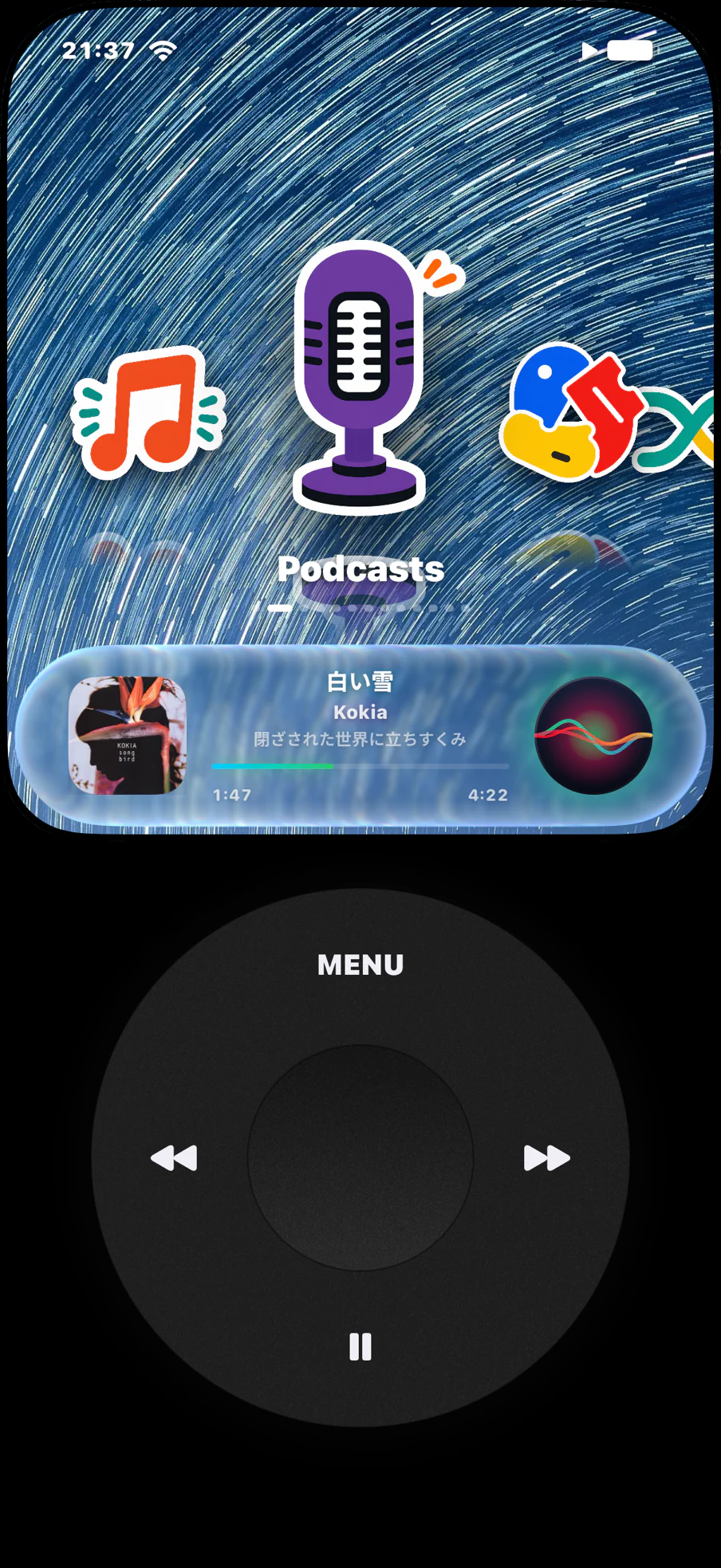
Feeds, badges, autoplay, “you might also like”. UltraPod takes the phone you already own and leaves one thing on it: your music.
02Your library
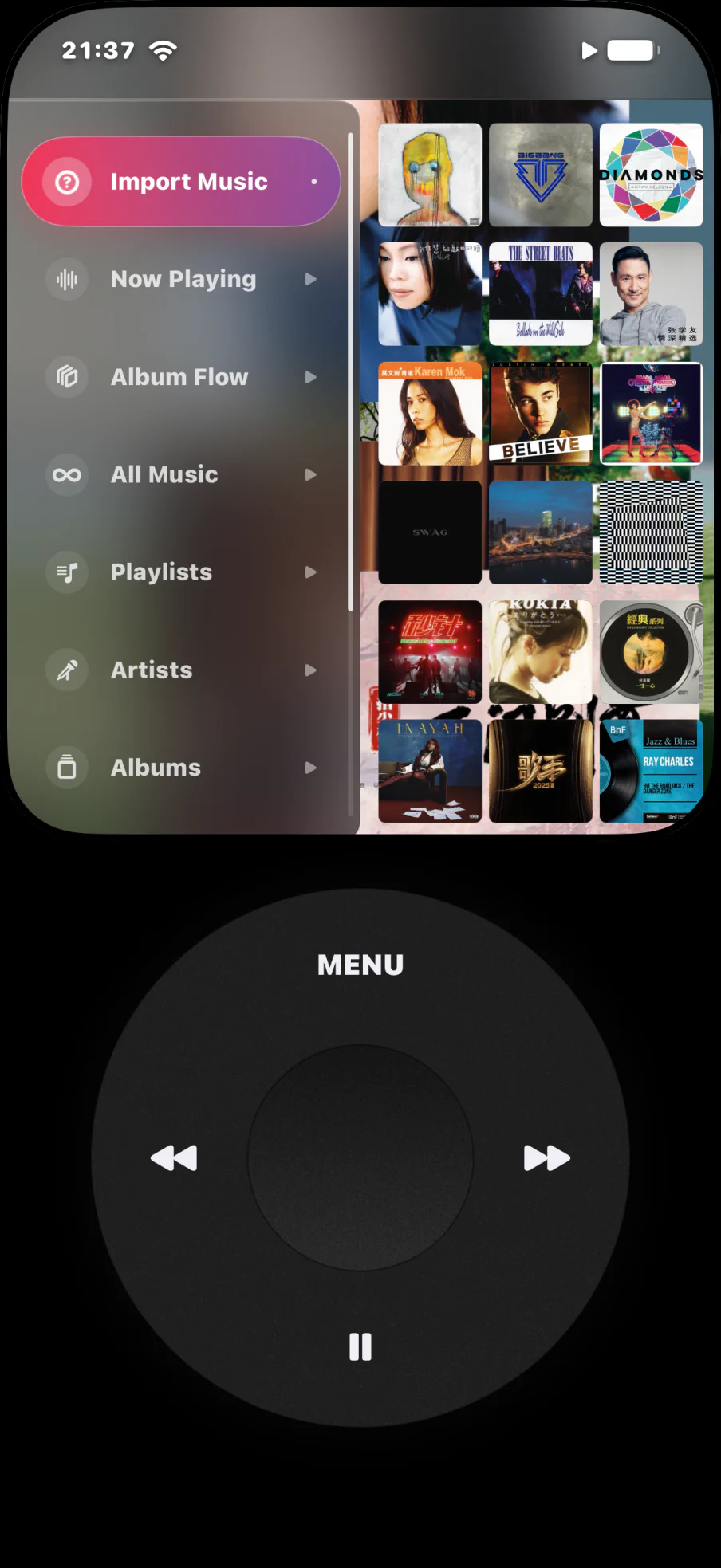
Your library, playlists and search, played through Apple’s own player.
iOS 16 and laterSongs already on your iPhone. Offline, instant, no account.
iOS 15 and laterStream from the server you run yourself. Your collection, your rules.
iOS 15 and later03The wheel
04Beyond the music
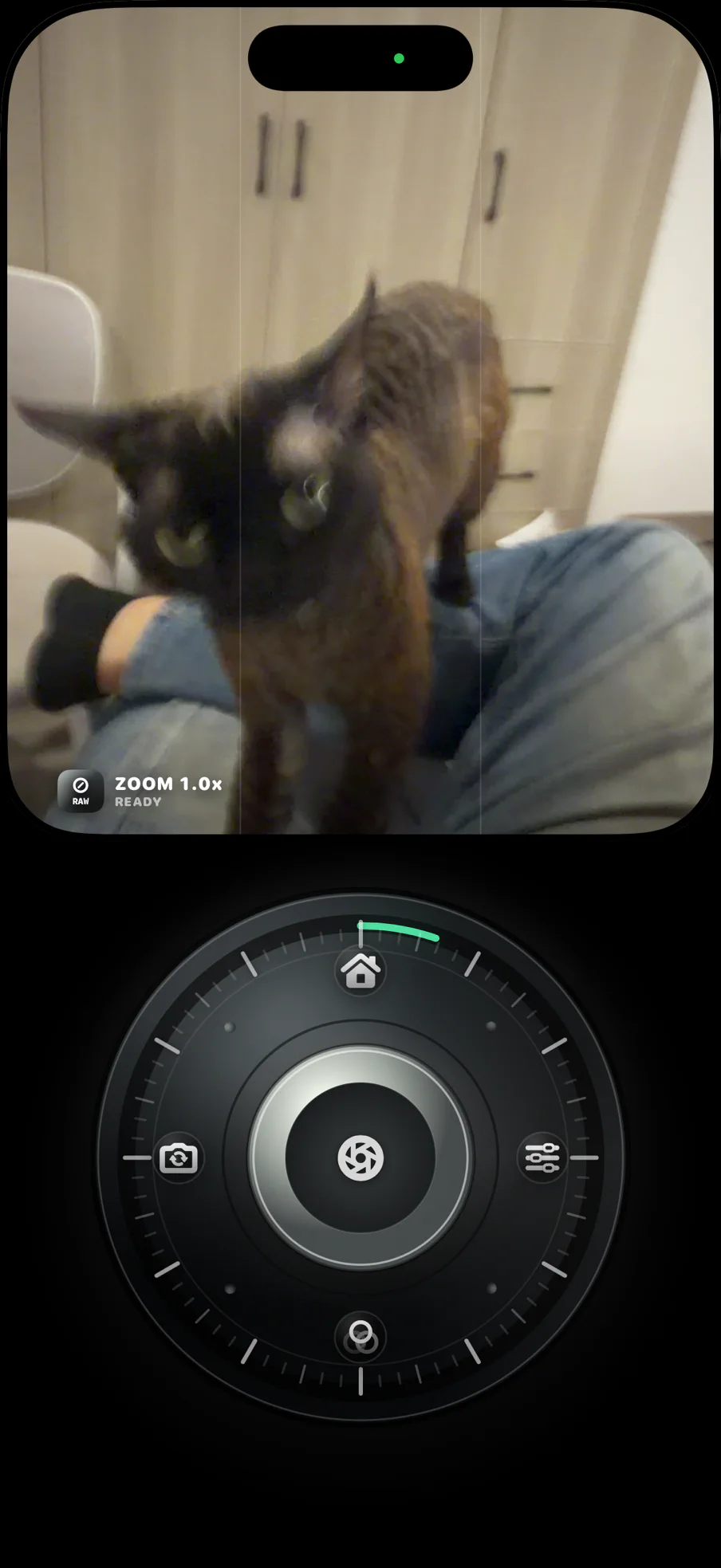
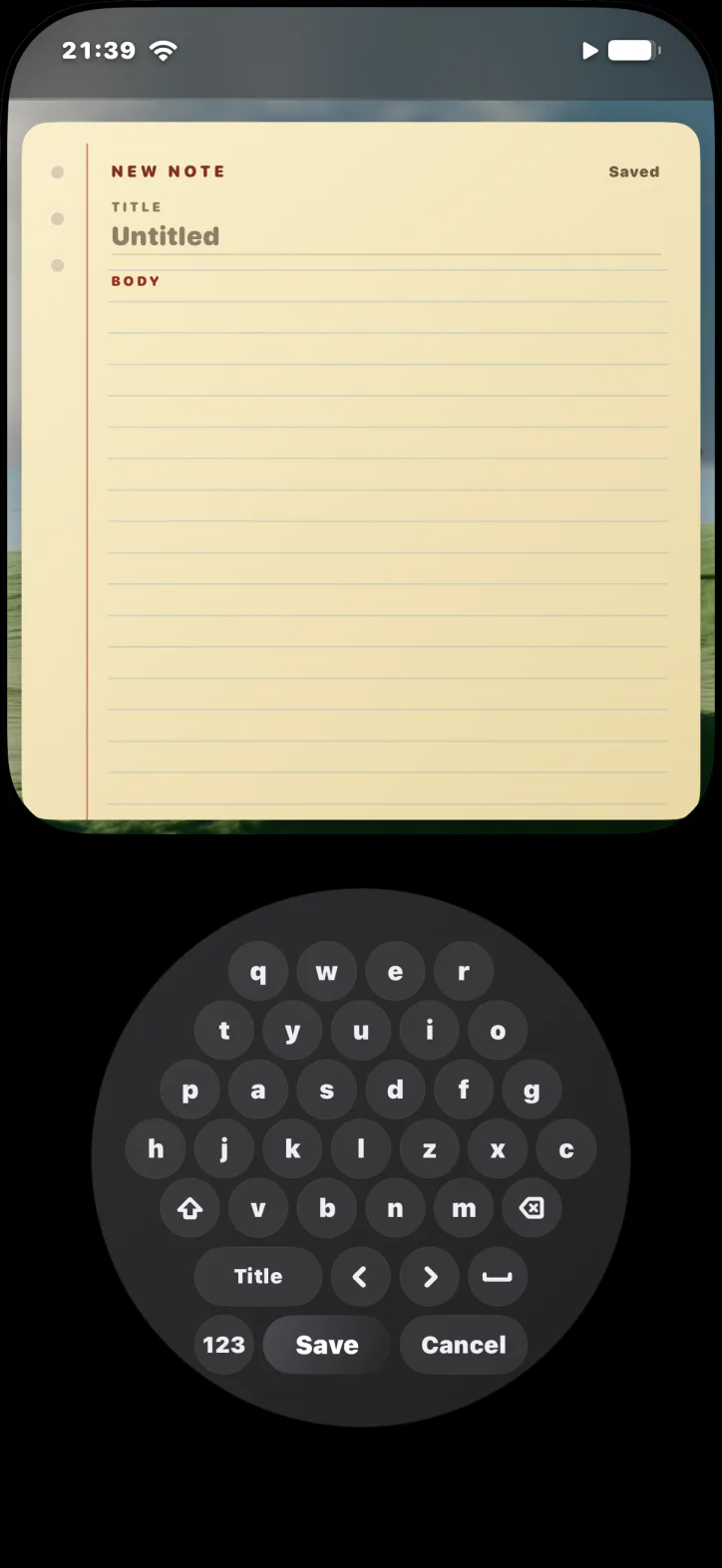
Running, reading, widgets and small tools. Each appears when you need it, then gets out of the way.
Fitness
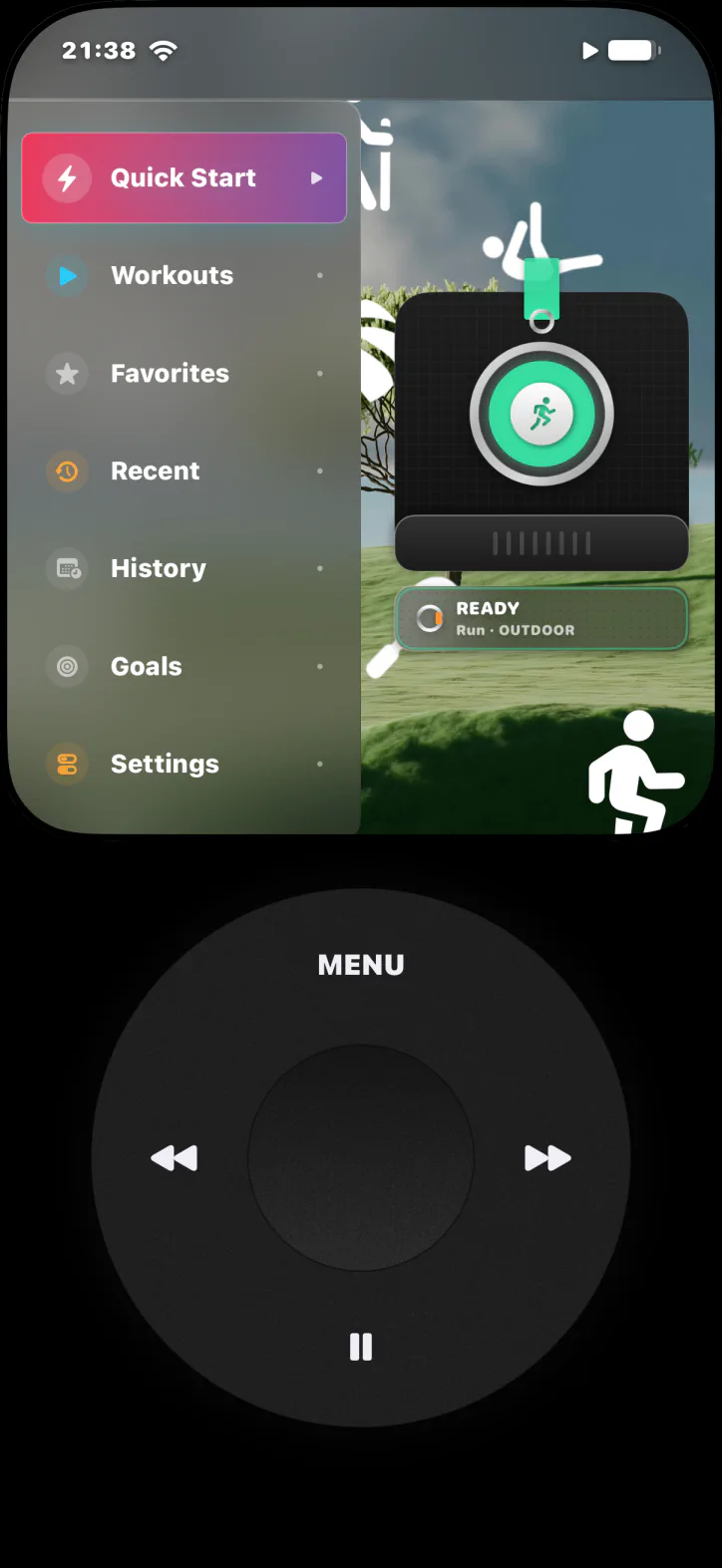
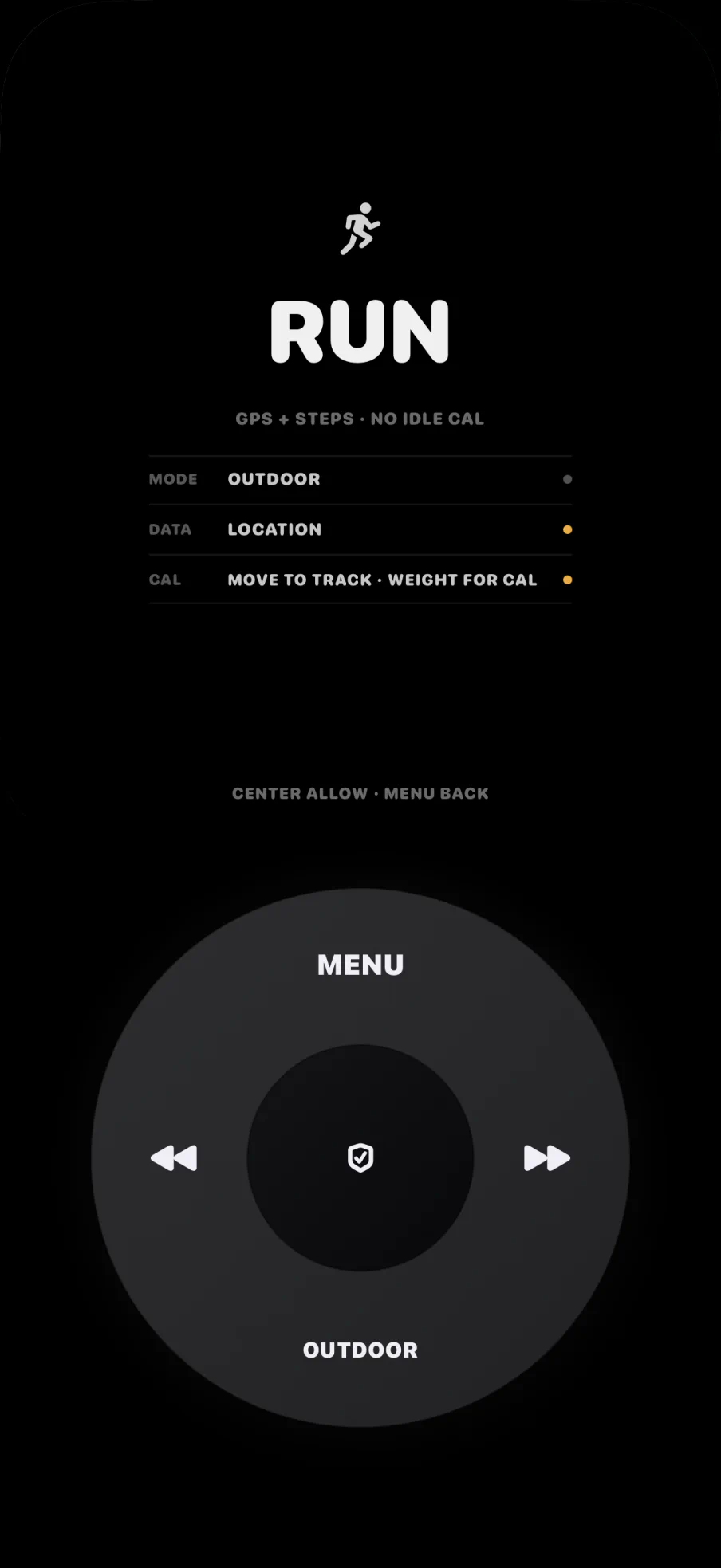
HealthKit, motion data and optional outdoor GPS. No leaderboards, no social pressure.
Reading
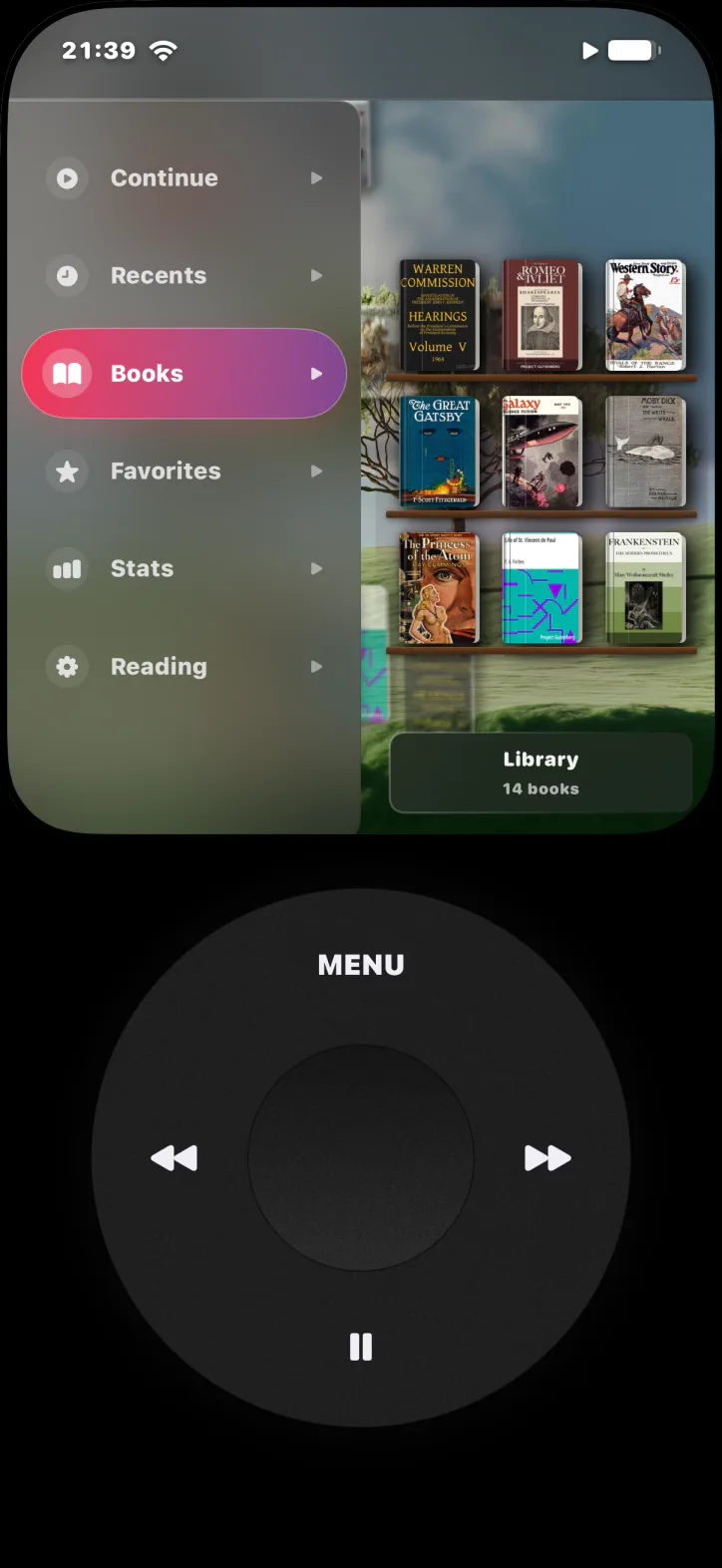
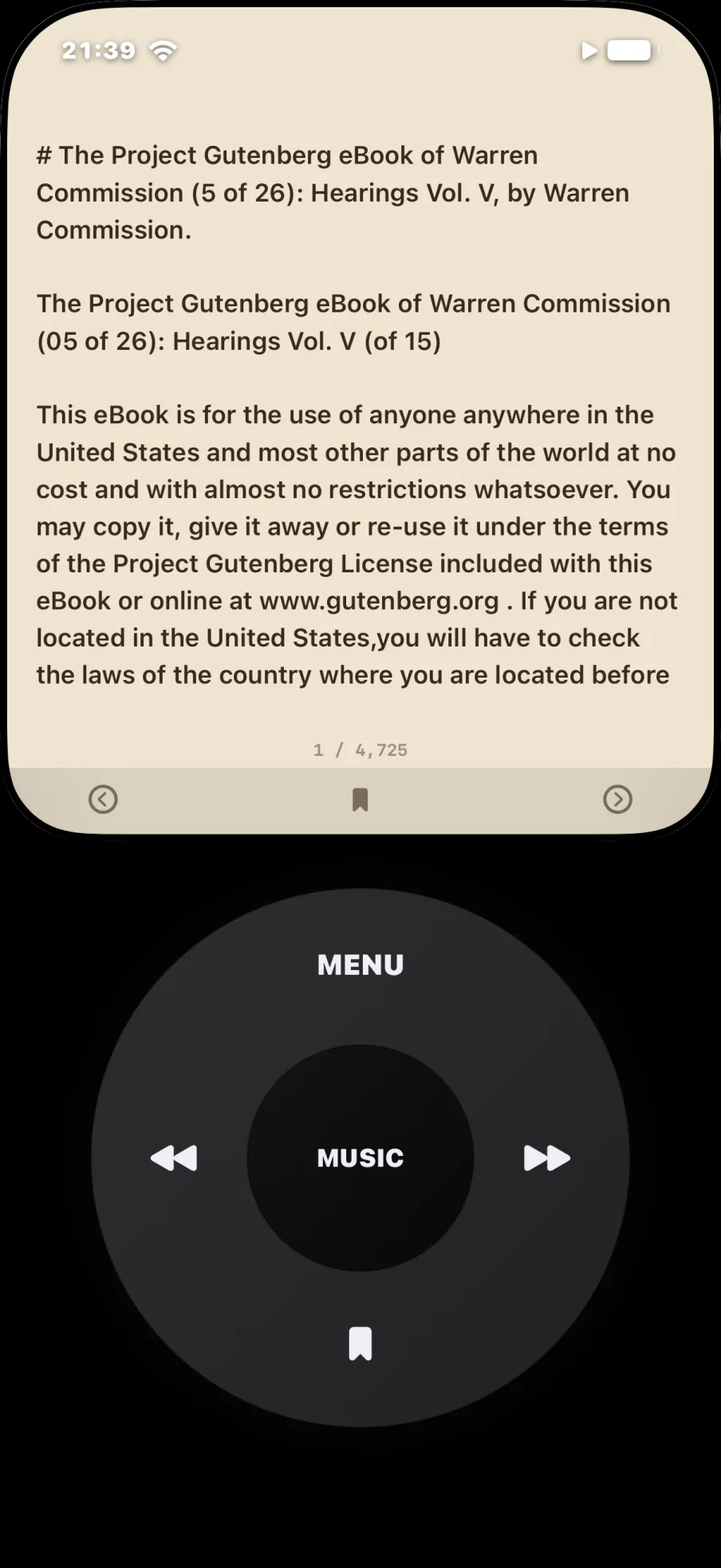
Import your own EPUB and TXT books. Pick up where you stopped. No notification competes for the page.
Widgets
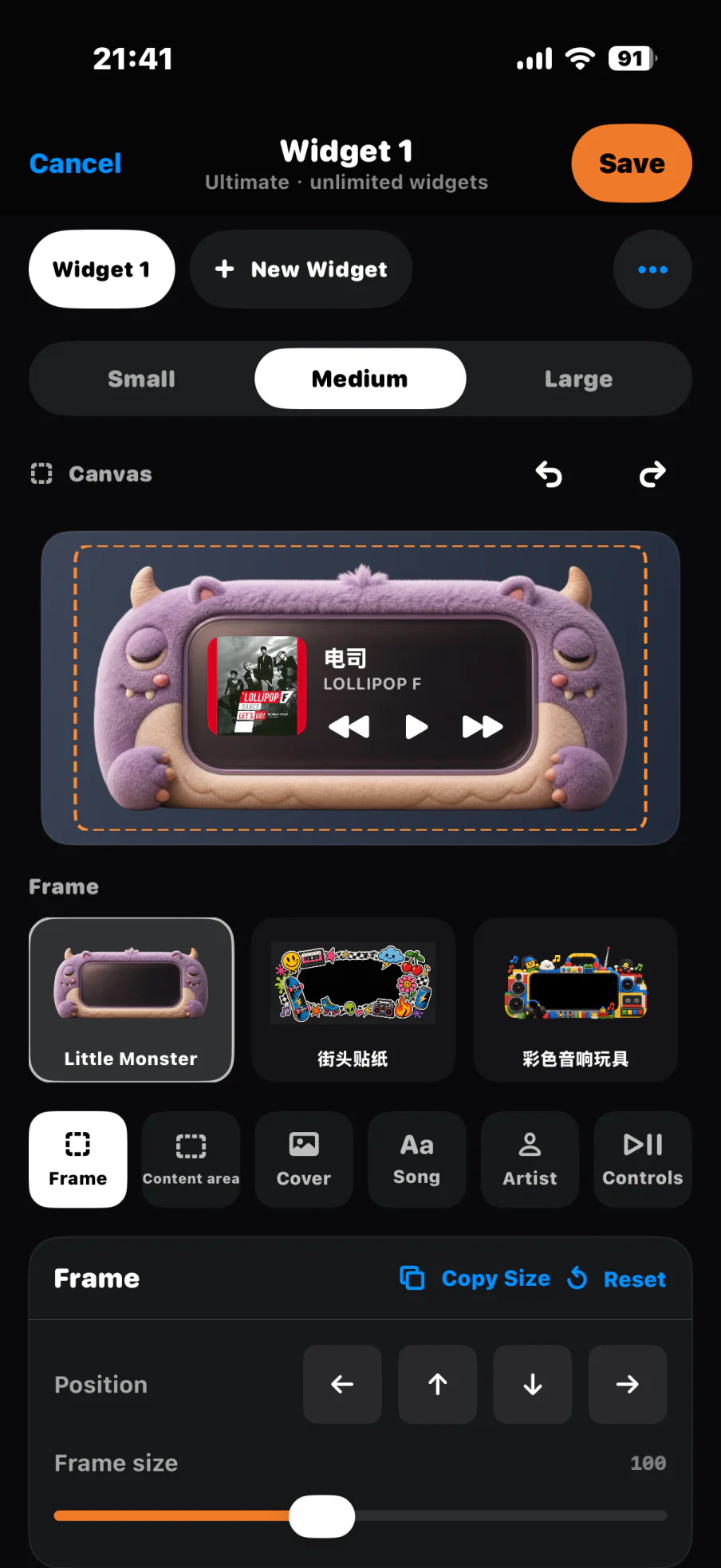
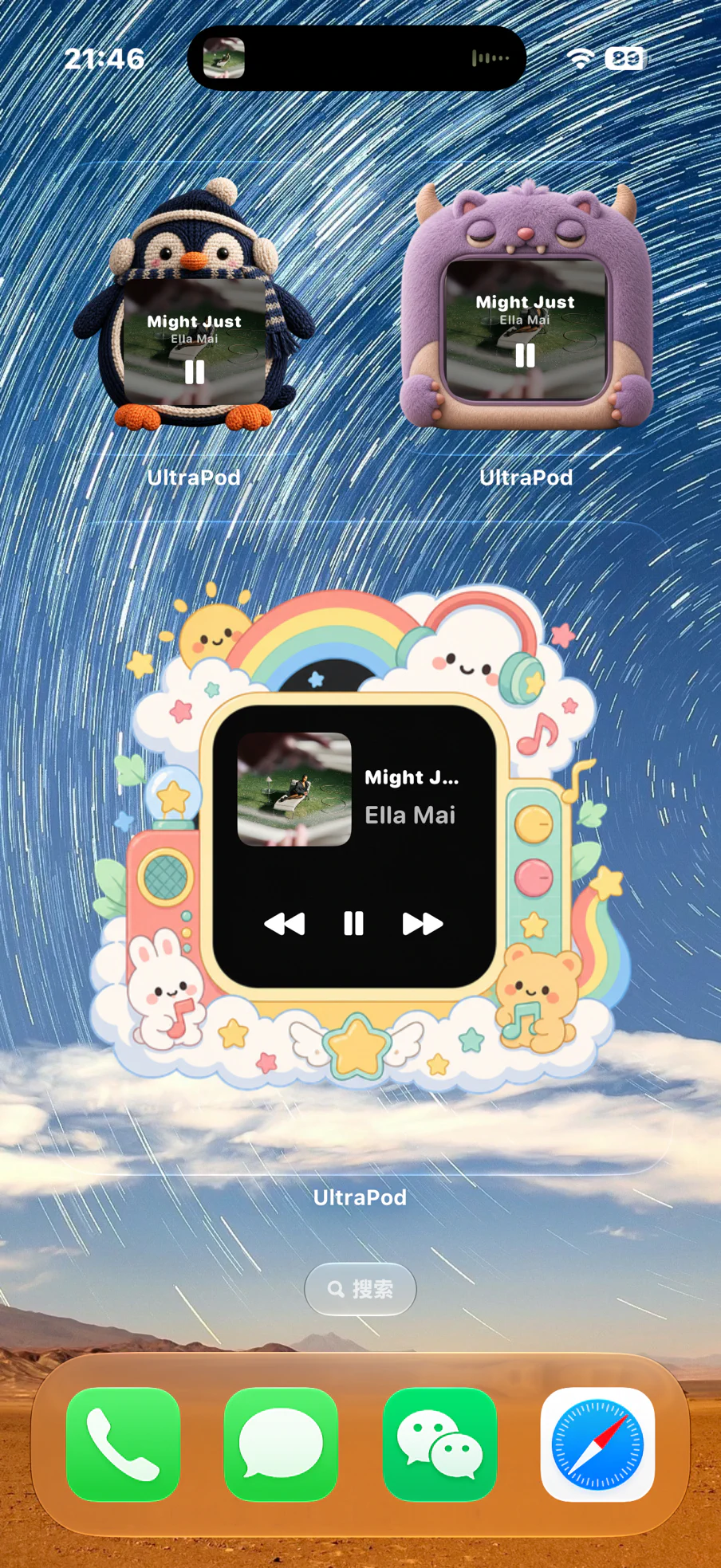
Pick a size, compose the canvas, choose a frame. Home Screen widgets need iOS 16 or later.
And the rest
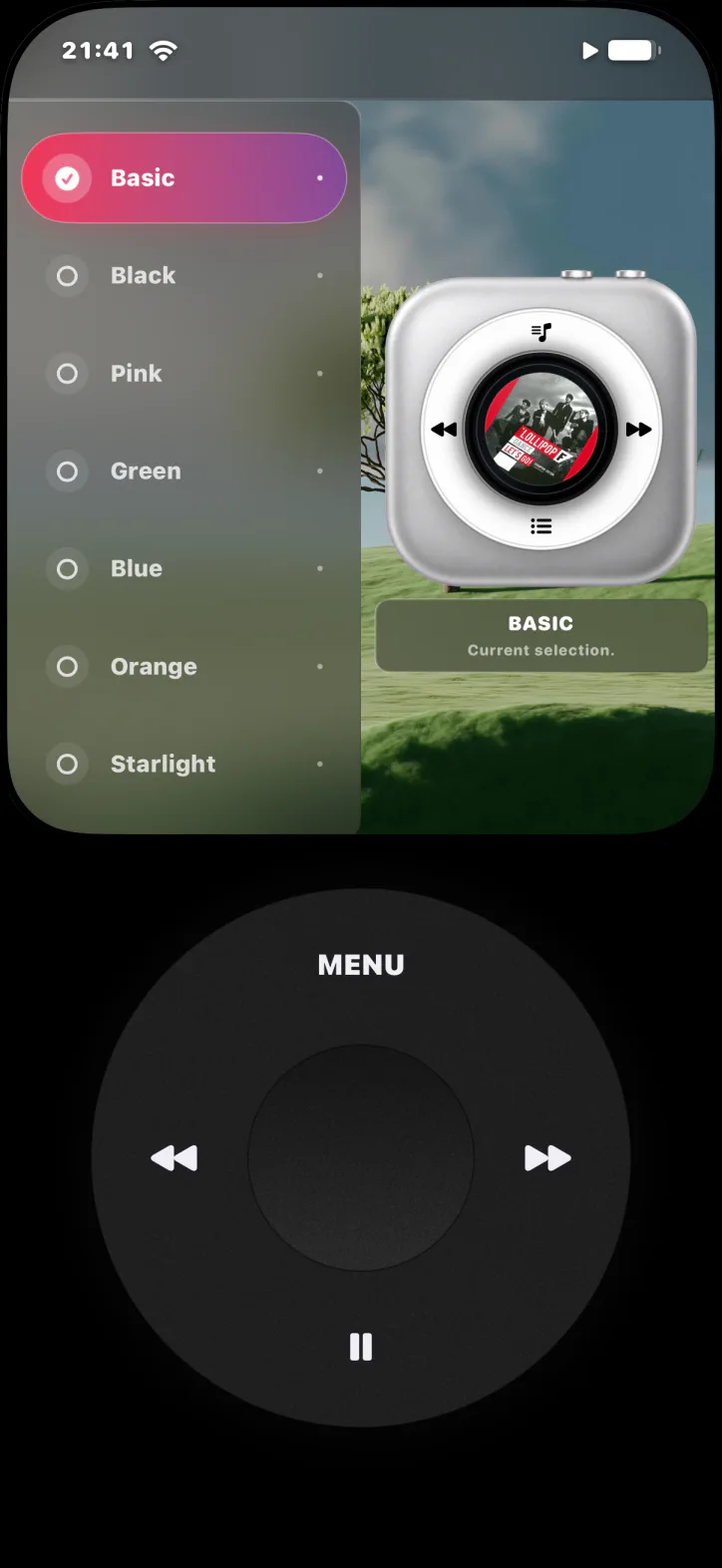
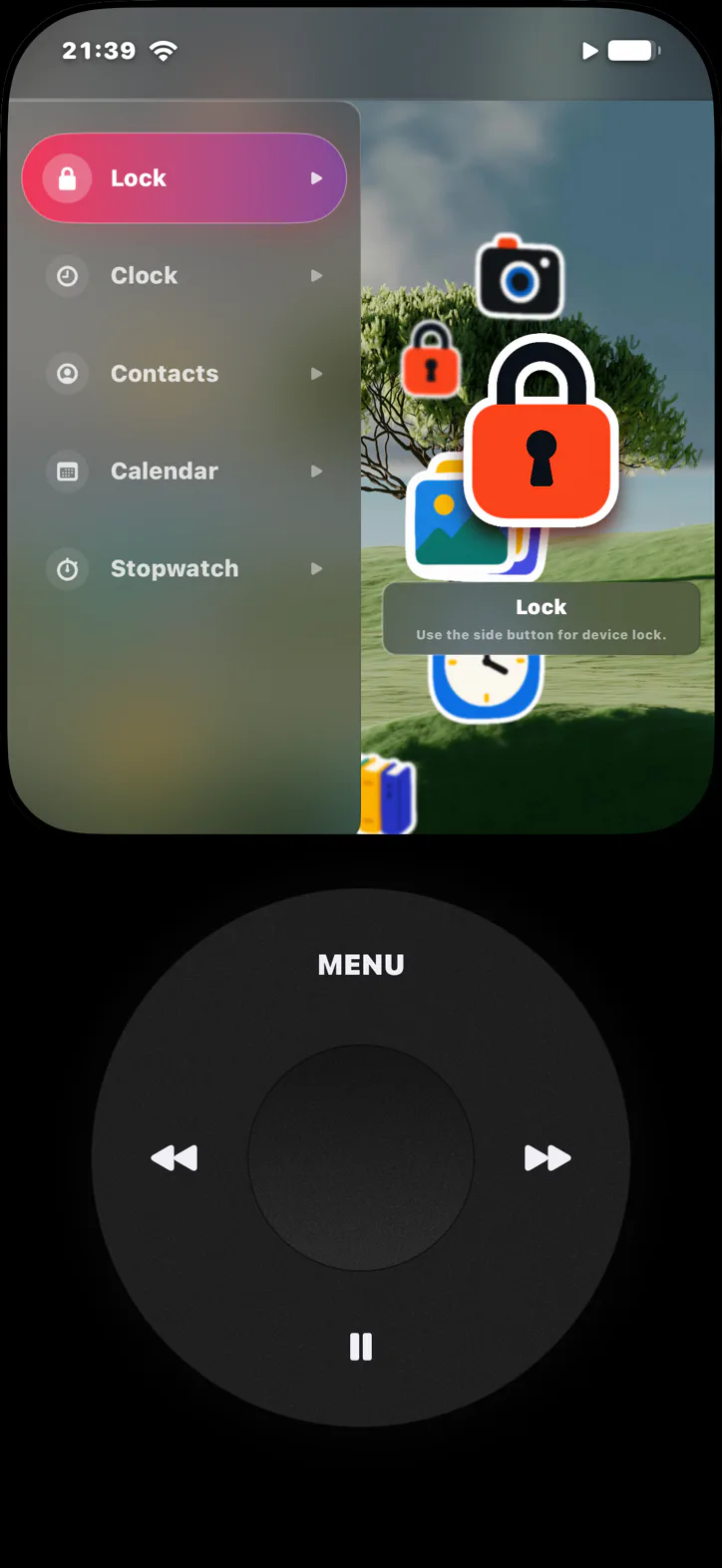
05Themes
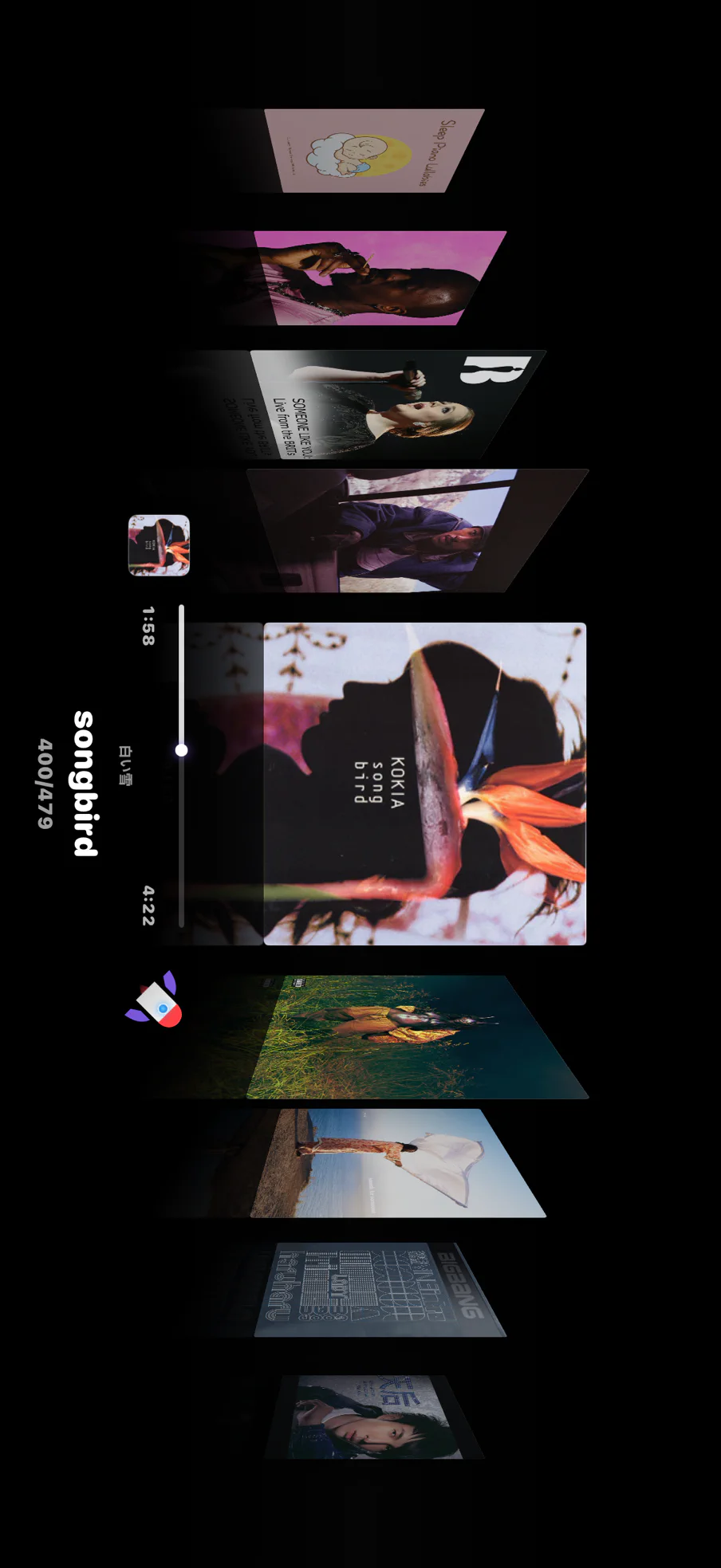
Every theme redraws the whole interface — icons, wheel, type, texture. Spin the carousel.
06Build your own
Design a look in the DIY editor, or pick one from the community.
07Local first
Library and playback data stay on your iPhone. The optional theme community uses Sign in with Apple only when you like, upload or download.
Read the privacy policy →08Second life
The iPhone in your drawer becomes a player that does one thing well. Results still depend on its condition, iOS support and battery health.
 UltraPod
09Pricing
One-time purchase. No subscription, no ads, yours for good.
10Plainly
Core app features and community browsing require no account. Sign in with Apple is required only to like, upload, download, or manage community content.
UltraPod does not upload protected app data to developer-operated servers. Data may be handled by Apple services you explicitly choose, and support messages leave the device only when you send them.
No. The device still needs a supported iOS version (iOS 15 or later), usable storage, and acceptable battery health. On iOS 15, music comes from local files and Subsonic/Navidrome.